

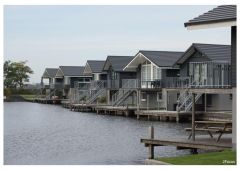
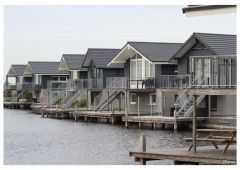

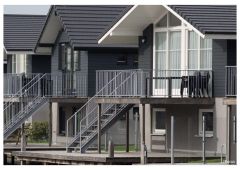
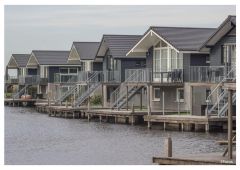
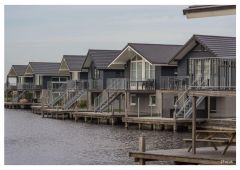
Photosite with Sony Zeiss 1.8/24 mm E and testconditions in description

By Jaap
- 1,422 views
- View Jaap's images
Overview of the site where the testphotos were taken with the Minolta vintage lenses (taken with Ilce 6000, 1.8/24 mm E Sony/Zeiss at F5.6).
All photos had real world post processing like white balance, highlight/shadows and sharpening (+35) in Lightroom.
Open aperture on these vitage lenses is not advisable: lots of chromatic abberation, low sharpness in borders and corners, low contrast.
Three (MD 4/100 mm and MD 4/200 mm) or four (MD 2/85 mm) stops down and you will be pleasently surprised with very high quality.
I also added a photo taken with the Minolta 1.4/85 mm AF (last version) at F5.6 and with the Sony/Zeiss 4/16-70 mm E at 70 mm. Aperture F8.
This way you are enabled to explore and discover differences between vintage and more modern lenses on the 24 megapixel Ilce 6000  .
.
Recommended Comments
Create an account or sign in to comment